 Keyfill
Broadcast graphics and playout, in one app
Design animated lower thirds, scoreboards and full screens, run them live from your rundown, and send fill and key to your switcher, over SDI or NDI®.
Design animated lower thirds, scoreboards and full screens, run them live from your rundown, and send fill and key to your switcher, over SDI or NDI®.
How it reaches air
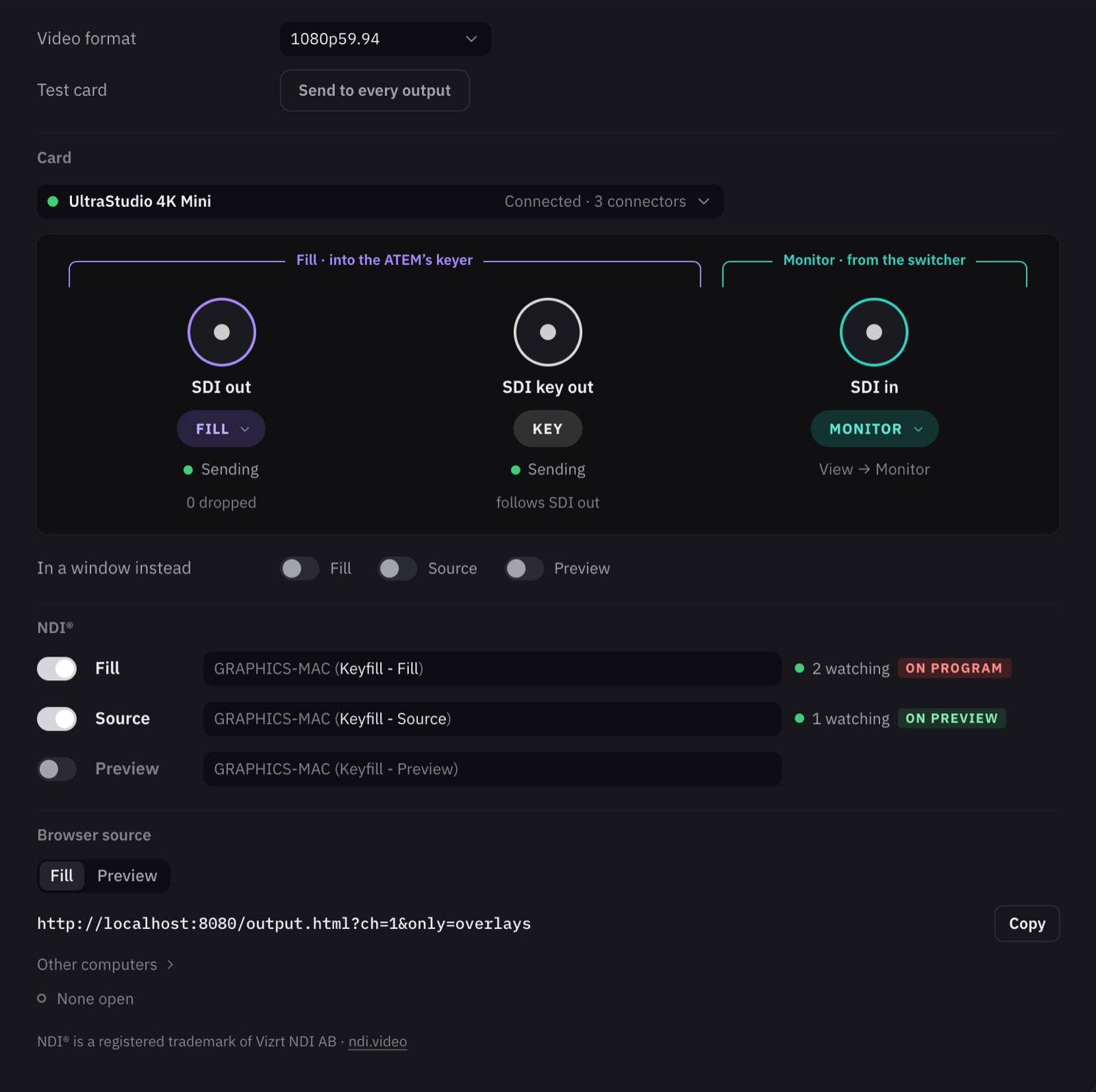
That's where the name comes from. The fill is the graphic in colour. The key is its shape in white on black, and tells your switcher which parts to lay over the camera. It's how broadcast graphics have always gone to air, and Keyfill sends both over SDI at your show's frame rate. Over NDI the two travel as one picture with its see-through, for vMix, OBS or any NDI switcher to key.
Fill and key over SDI to your switcher's keyer, the same outputs over NDI with who's watching them, or a browser source for OBS and vMix.
Design
A 1920 × 1080 canvas, a timeline, and the parts that change on air marked as fields. Build it once, then fill in the names on air.
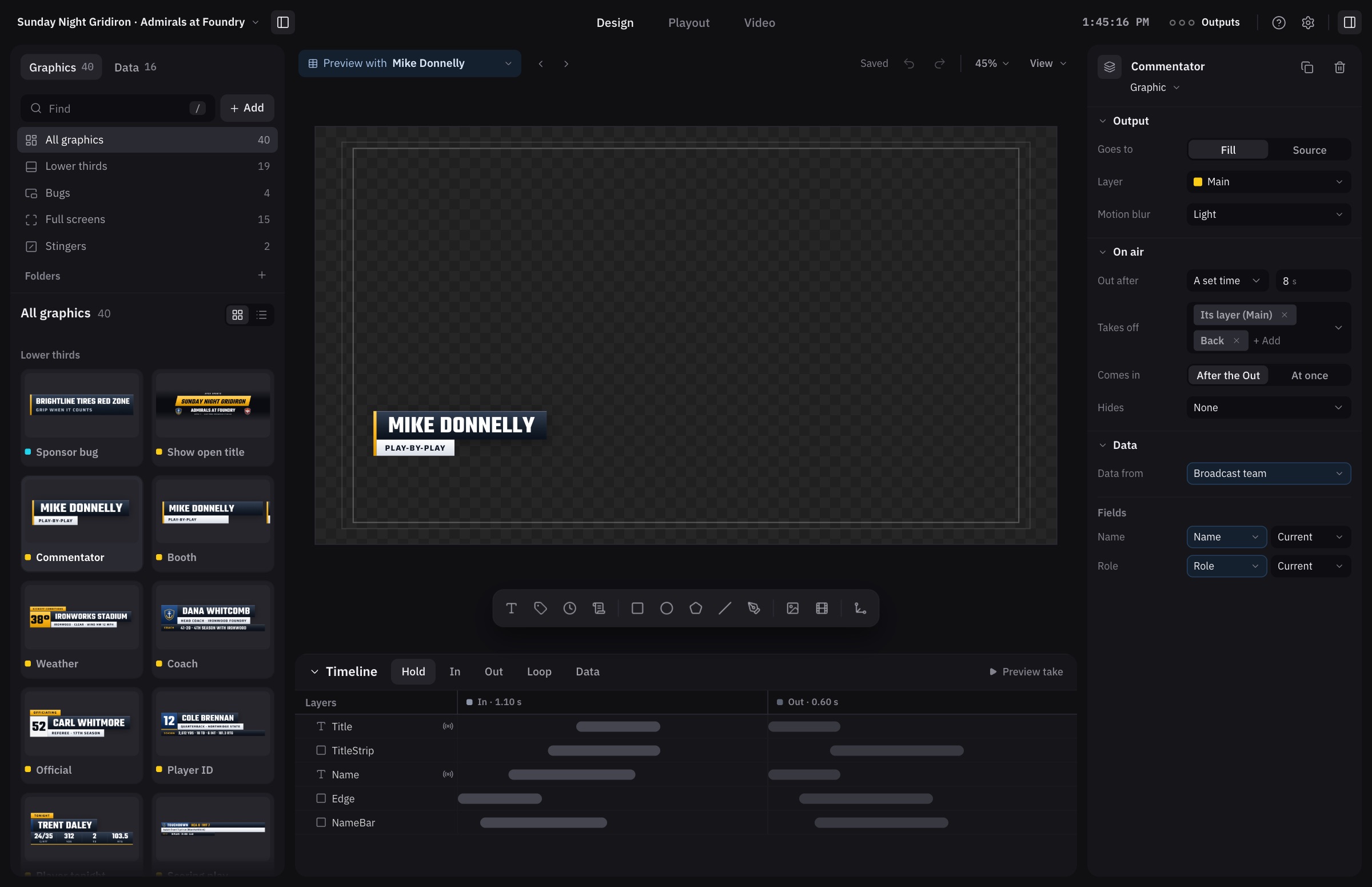
Lower thirds, score bugs, tickers, full screens and stingers to start from, in your show's theme.
In, Out and Loop timelines, motion presets, motion blur and a graph editor for the moves that need it.
Bars that stretch to the name you type, clocks that run, crawls that scroll, and Photoshop and Lottie files brought straight in.
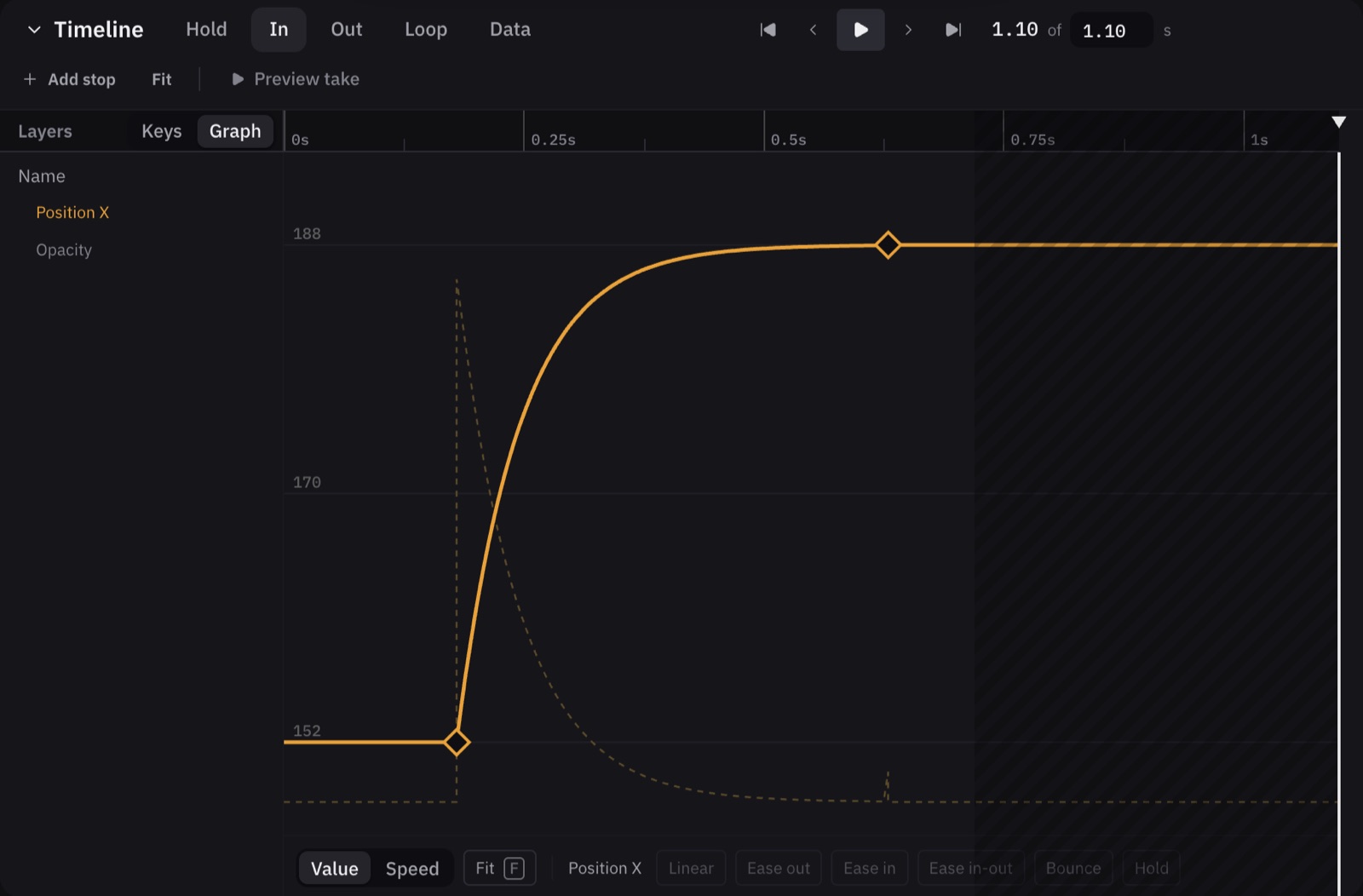
Key a layer on its In, Out and Loop, then shape how each move eases on its curve.
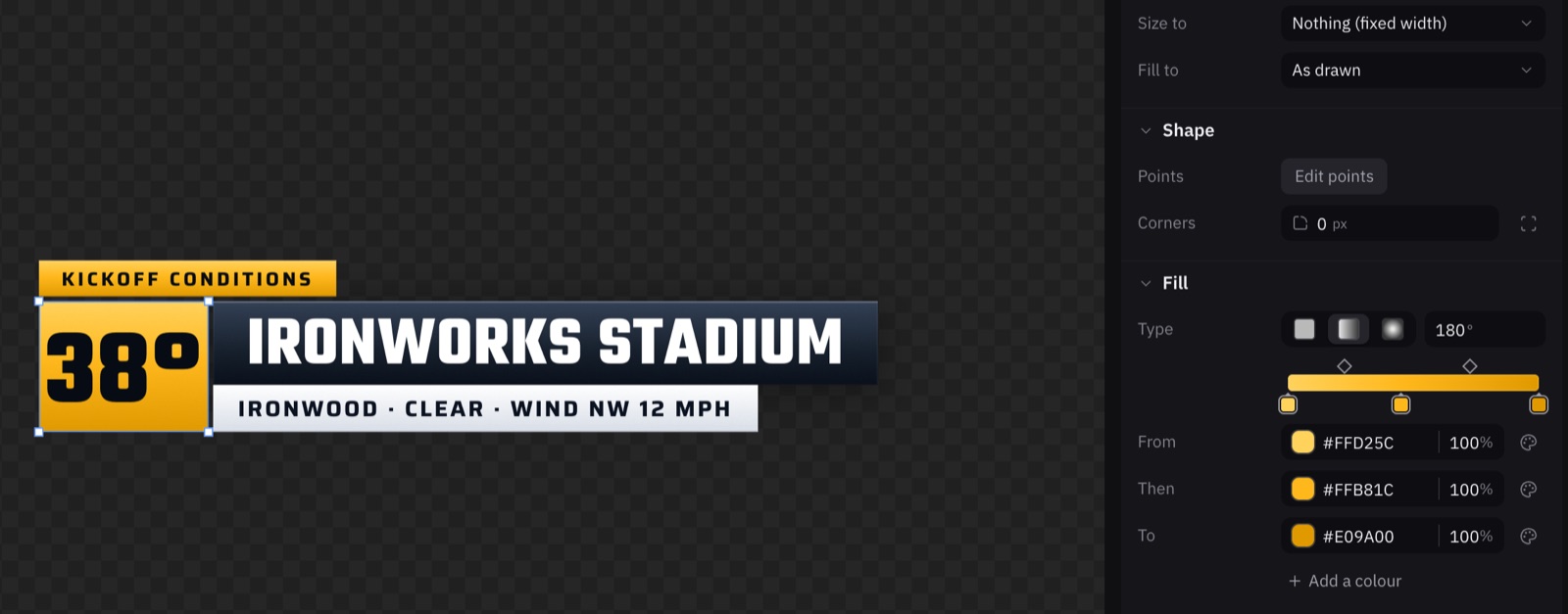
Each colour is a marker on a strip: drag it to give it more of the bar, or move a diamond to change where two meet.
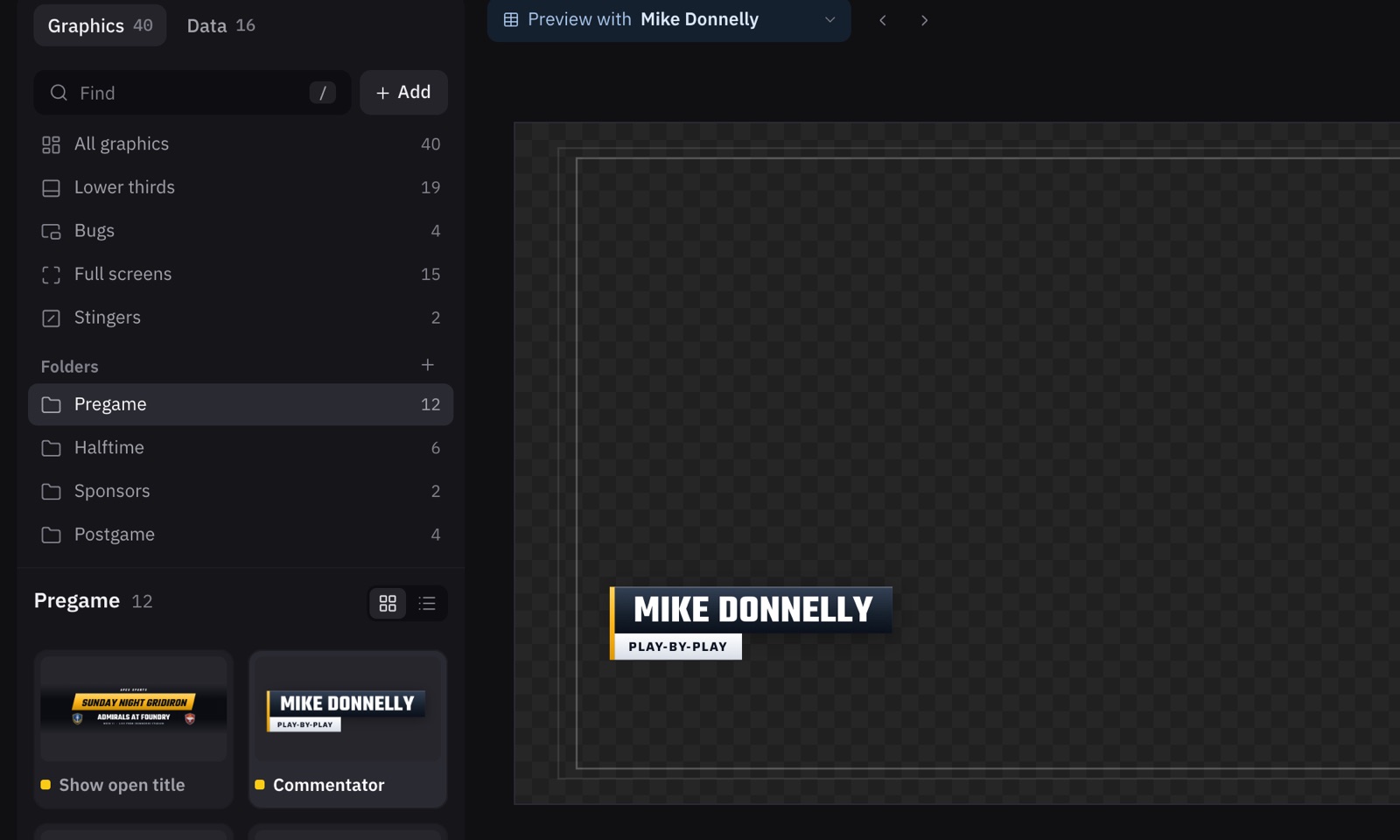
Every graphic as a picture, sorted by kind on its own, and folders for Pregame, Halftime or whatever your show needs.
Playout
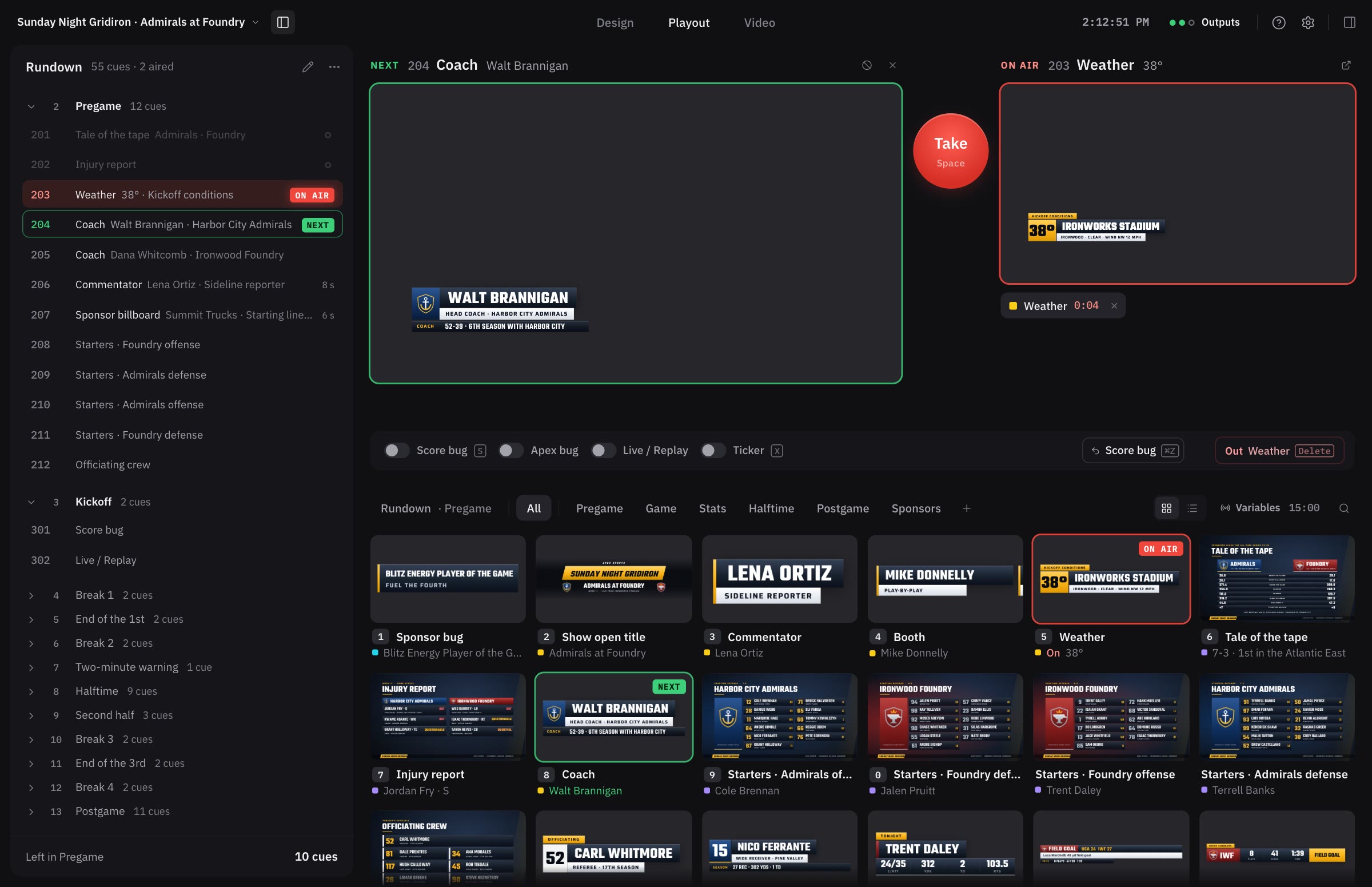
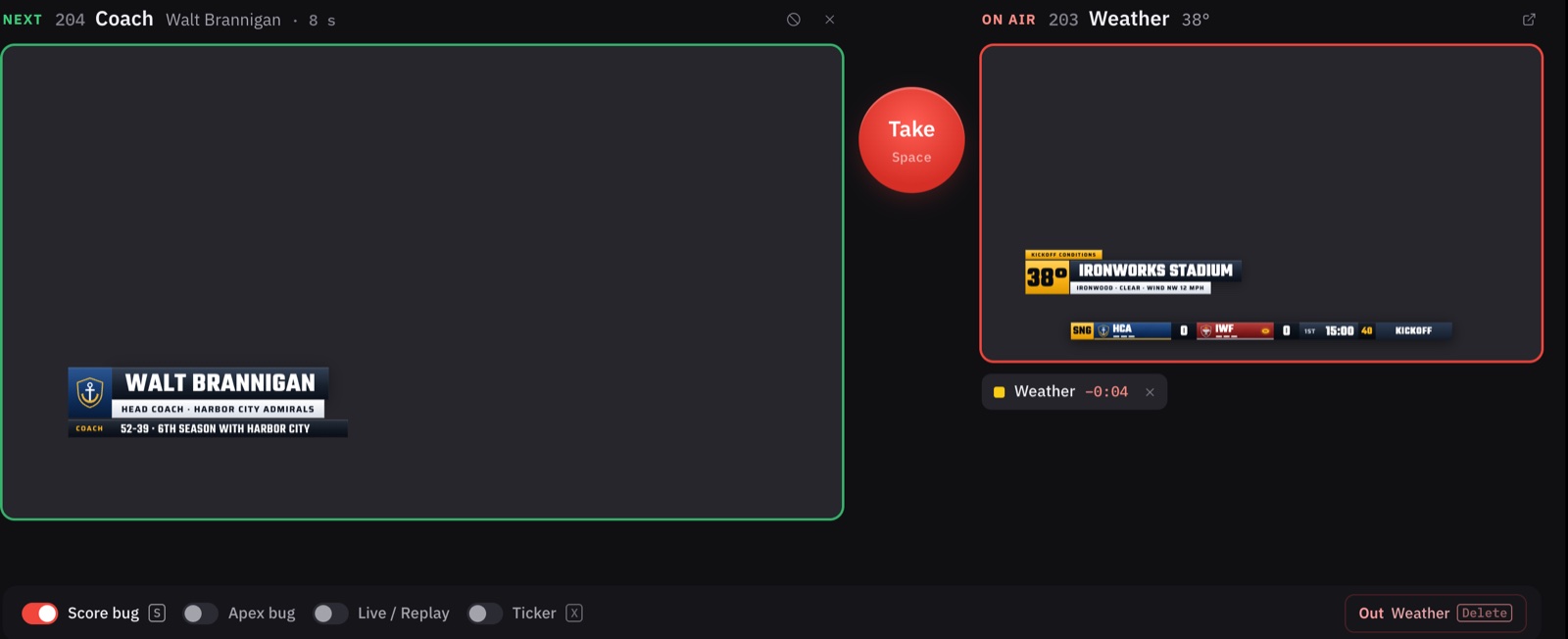
The producer's running order down the left, what's next beside what's on air, and one button between them. Check it, then press Space.
Whatever you pick waits in Next, drawn exactly as it will air, with the name it's showing and how long it stays up. Take puts it on air; Delete takes it off.
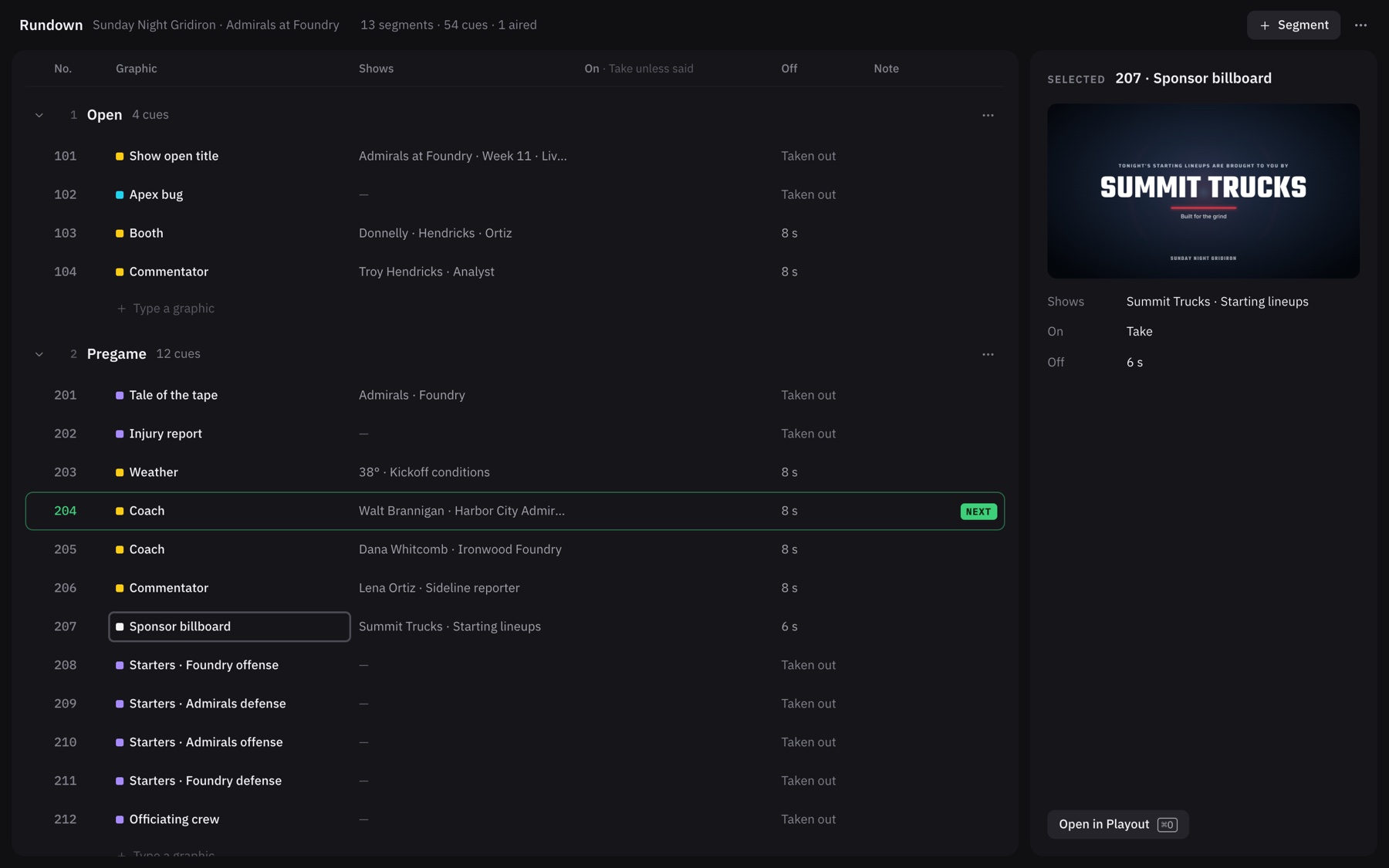
Type a graphic's name into a line and it's a cue. Paste the producer's sheet straight from a spreadsheet. Number cues the way your show does, and type a number on air to jump to it.
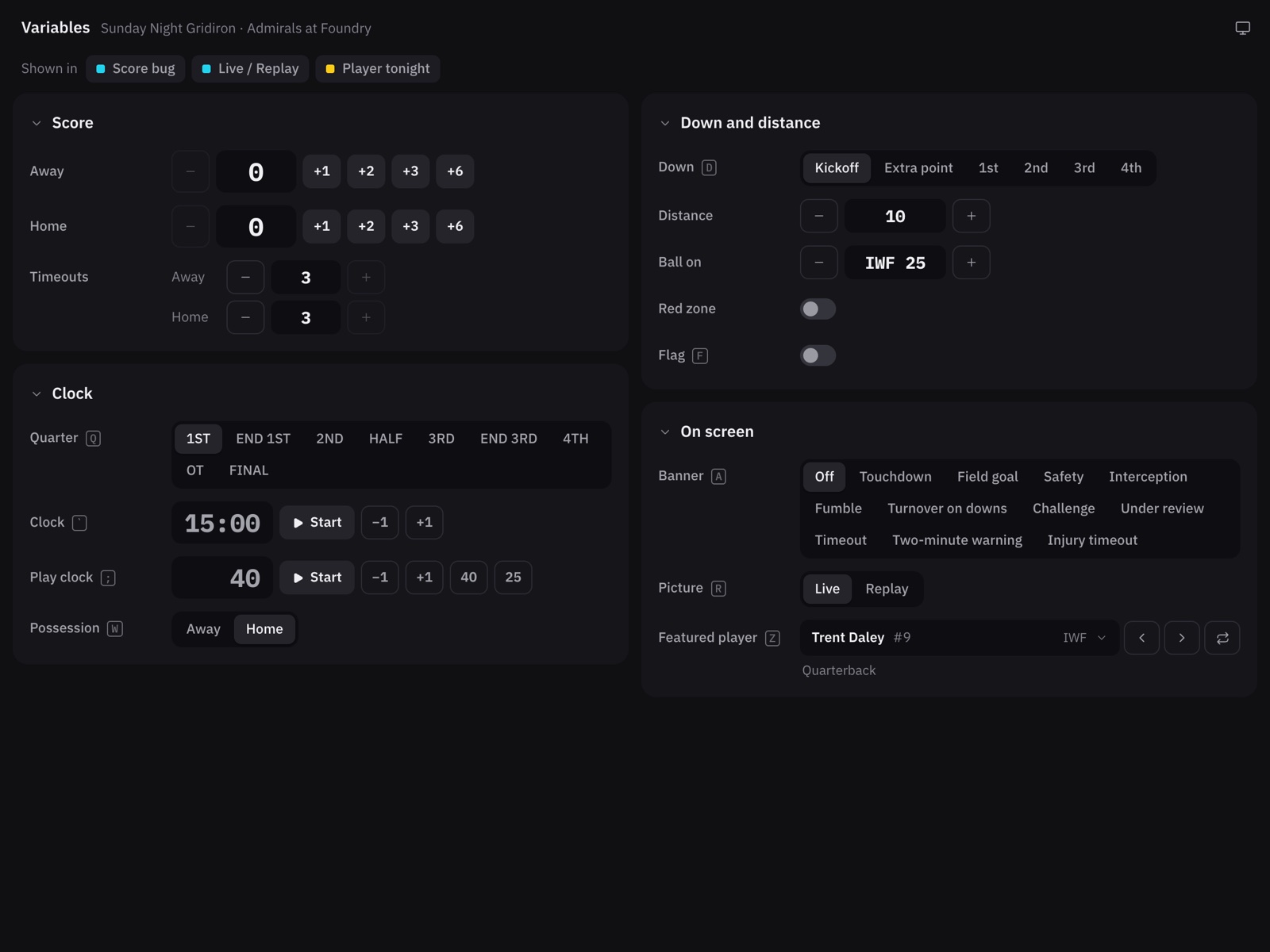
The score, the game clock and the down live in Variables. Press +6 and every graphic showing the score changes at once, the scoring play logged with it.
Source
Clips play on a separate Source output for the switcher to cut to, with the time left big enough to read from across the room.
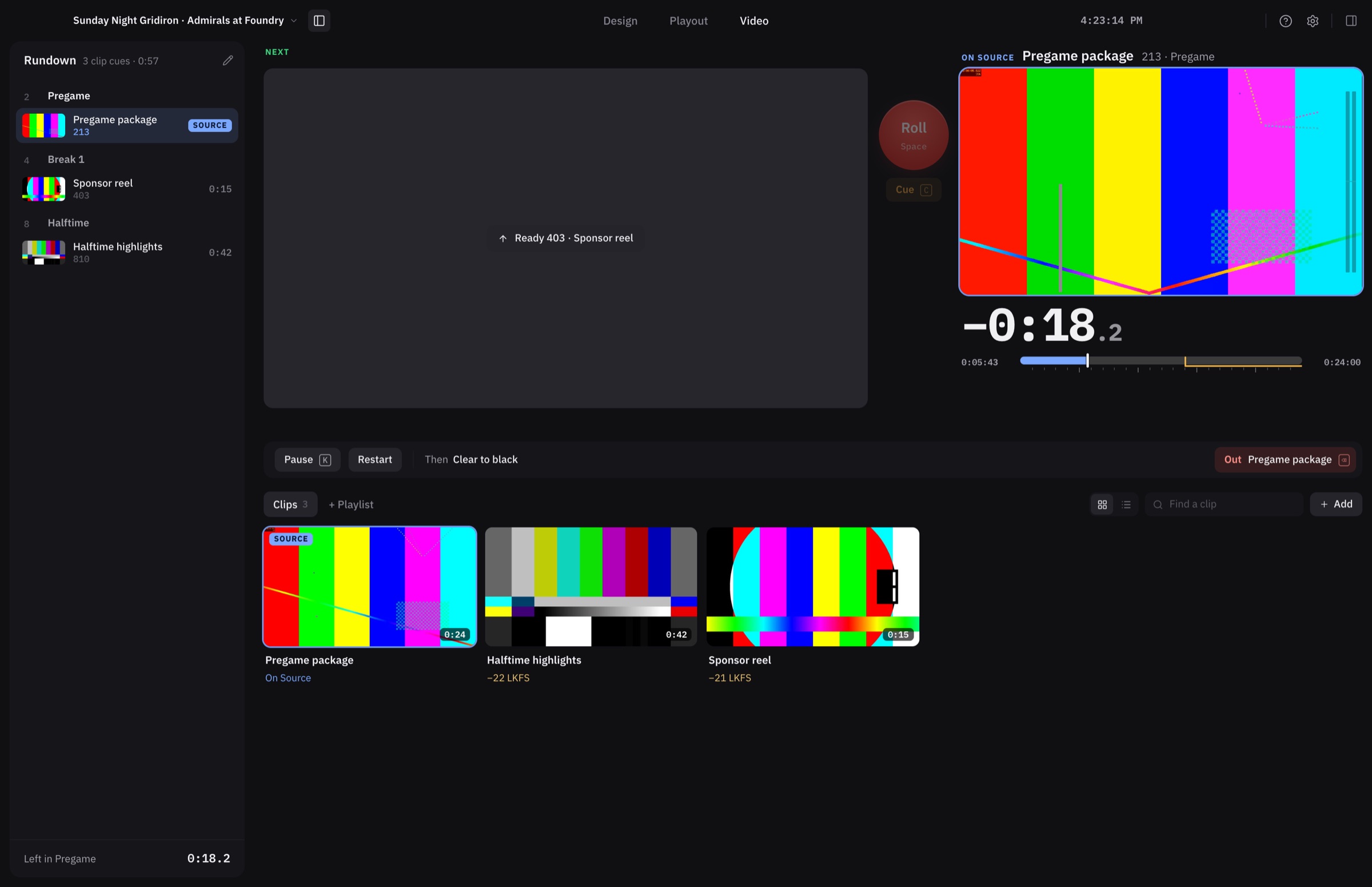
Roll a clip now, or hold it on its first frame so it plays the moment the director cuts to it.
Through, looping, or waiting at each clip. Trim in place, or make clips from a long recording.
Every clip is measured as it comes in and brought to −24 LKFS with one click.
Specifications
Questions
Yes. Keyfill is free to download and use for any show, with no account, no watermark and no subscription.
No. Keyfill sends its graphics over NDI, with their see-through, to vMix, OBS, a TriCaster or any NDI receiver on your network, and OBS and vMix can also take it as a browser source. You'll need a DeckLink or UltraStudio to send fill and key over SDI to a switcher such as an ATEM.
Any switcher with a keyer takes Keyfill's fill and key over SDI. With a Blackmagic ATEM on the network, Keyfill can also cut to its clips, turn the graphics key on, and name the multiview inputs.
Photoshop files come in with their layers, Lottie animations play as they are, and images, videos and fonts drop straight onto the canvas.
On your computer. Export a show as a single .keyfill file to move it to another machine or keep a copy.
Keyfill checks for new versions and installs them when you quit, never while something is on air.
Download
It opens on an example show, so you can put a graphic on air in your first minute. Free under the Keyfill licence.